Skip to content

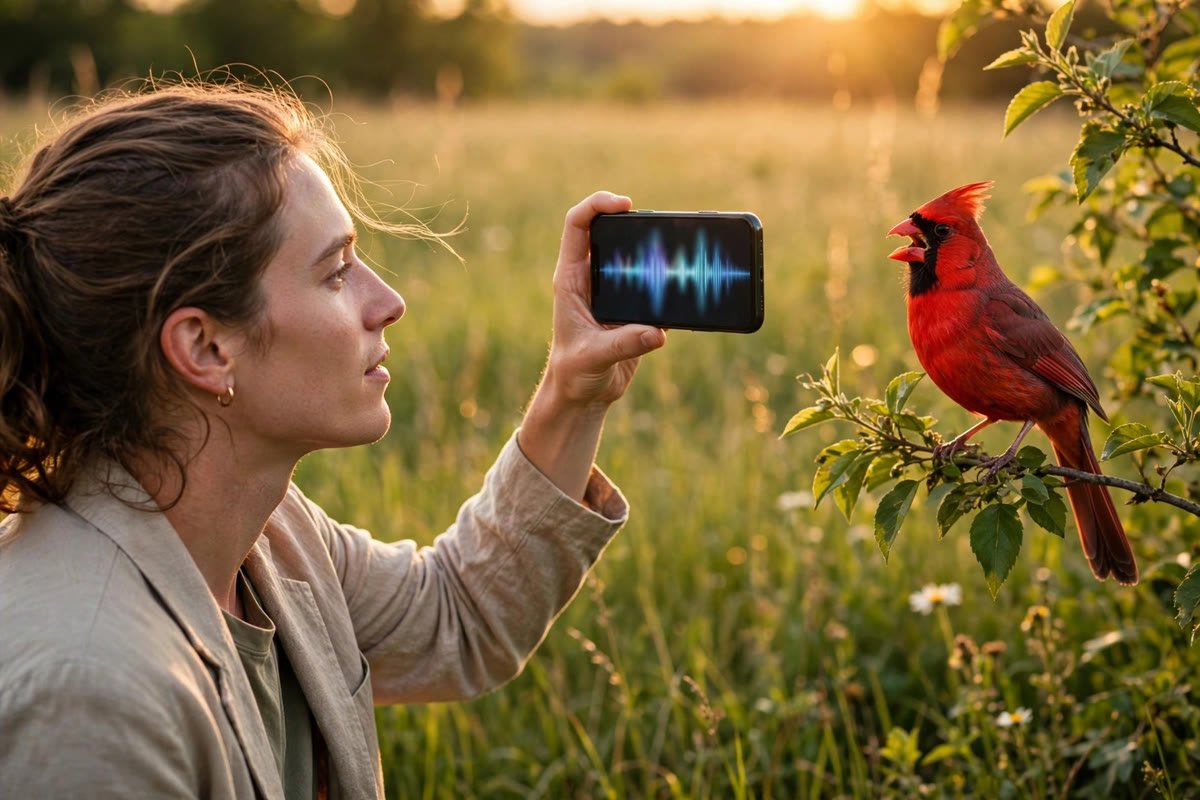
You hear a bird singing from the top of the maple tree, and you have no idea what it is. You could dig out a field guide and flip pages for ten minutes. Or you could learn how to use Merlin Bird ID, point your phone at the sound, and watch the answer appear in seconds.
Merlin is the free bird identification app from the Cornell Lab of Ornithology. It identifies birds four ways: by recording their songs, by analyzing a photo, by answering five quick questions, or by showing you which birds are likely around you right now. This guide walks through each method, shows you how to set the app up properly, and explains the limits you should know so you can trust what it tells you.
What Is the Merlin Bird ID App?
Merlin is a free app built by the Cornell Lab of Ornithology, one of the most trusted names in bird science. It works on iPhones, iPads, and Android devices, and it costs nothing. There is no subscription, no credit card step, and no ads getting in the way of your birding.
The app’s job is simple to describe and remarkable to use: it answers the question “what bird is that?” Merlin’s models were trained on millions of photos and sound recordings from the Cornell Lab’s Macaulay Library, built with help from Caltech researchers, and they draw on eBird data to know which birds are likely near you at any given date and location. When you record a song or snap a photo, Merlin compares your input against that library and returns a short list of likely matches.
Merlin covers more than 6,000 species across the Americas, Europe, Asia, and Australia, according to the Cornell Lab. Coverage keeps growing as the Lab adds regions and species, so the app you download today knows more birds than the one from a year ago. If you are curious about the broader world of AI bird identification tools, Merlin is the benchmark they are all measured against.
Setting Up Merlin the Right Way
A correct setup takes five minutes and makes everything else work better. Here is the process, in order.
- Download the app. Search your app store for “Merlin Bird ID” or grab it from the official Merlin download page. The app runs on recent iOS and Android versions.
- Skip or enter the email step. Merlin may ask for an email address for the Cornell Lab newsletter. You can skip this and still use every feature.
- Allow location access. Merlin uses your location to narrow identifications to birds actually expected near you. This single permission does more for accuracy than anything else you will do. Without it, the app must consider far more possibilities.
- Install a bird pack for your region. Merlin will suggest one based on your location. Bird packs are free collections of photos, sounds, and species information for your area. They take real storage space, so install them over Wi-Fi: the Britain and Ireland pack, for example, covers 1,382 birds and needs about 613 MB. You can install multiple packs if you travel, and delete ones you no longer need.
- Download packs before remote trips. Sound ID works completely offline once set up, which makes Merlin unusually useful in the field. Download your region’s pack before you leave home, and the app keeps working with no cell signal at all.
That is the whole setup. Once your pack is installed, the four identification tools on the home screen are ready to use.
How to Use Merlin Bird ID: Sound ID
Sound ID is the feature that made Merlin famous, and it is the fastest way to identify a bird you can hear but cannot see. Tap the Sound ID button, press record, and hold your phone toward the sound. Merlin listens and starts listing birds in real time, highlighting each species as it sings.
Recording tips that improve accuracy
Merlin’s sound identification is strong, but it works much better with a clean recording. These adjustments come straight from the Cornell Lab’s own Sound ID guidance and experienced users.
- Get closer, but stay respectful: Move a few steps nearer the bird if you can do it without flushing it. Never chase a bird or approach a nest.
- Cut the background noise: Wind, traffic, and running water all compete with the song. Shield the phone’s microphone from wind with your body, and pause if a truck rumbles past.
- Record for at least 20 to 30 seconds: A longer sample gives Merlin more vocalizations to work with, which matters when several birds sing at once.
- Point the microphone toward the sound: Your phone’s mic is directional enough that aiming it helps. Keep your fingers clear of the mic opening.
- Try the dawn chorus: Birds sing most actively in the first couple of hours after sunrise. Recording during the best time of day to see birds gives you the richest mix of species.
Reviewing what Merlin heard
When you stop recording, the real learning begins. Tap any species on the list and Merlin jumps back to the exact moment in the recording where that bird sang. You can replay that slice as many times as you like.
Always compare the recording against Merlin’s example songs and calls for the suggested species. This is the verification step the Cornell Lab insists on: tap the species, play the reference audio, and ask whether it matches what you heard. Sound ID is a suggestion engine, not a verdict. Merlin saves every recording to a folder on your device automatically, so you can revisit, delete, or export recordings later if storage gets tight.
If a suggestion looks likely, tap “This is My Bird” to save it to your in-app life list, the running tally of species you have identified. You can also connect Merlin to eBird to log sightings with location data, which turns casual backyard listening into genuine citizen science.
How to Use Merlin Bird ID: Photo ID
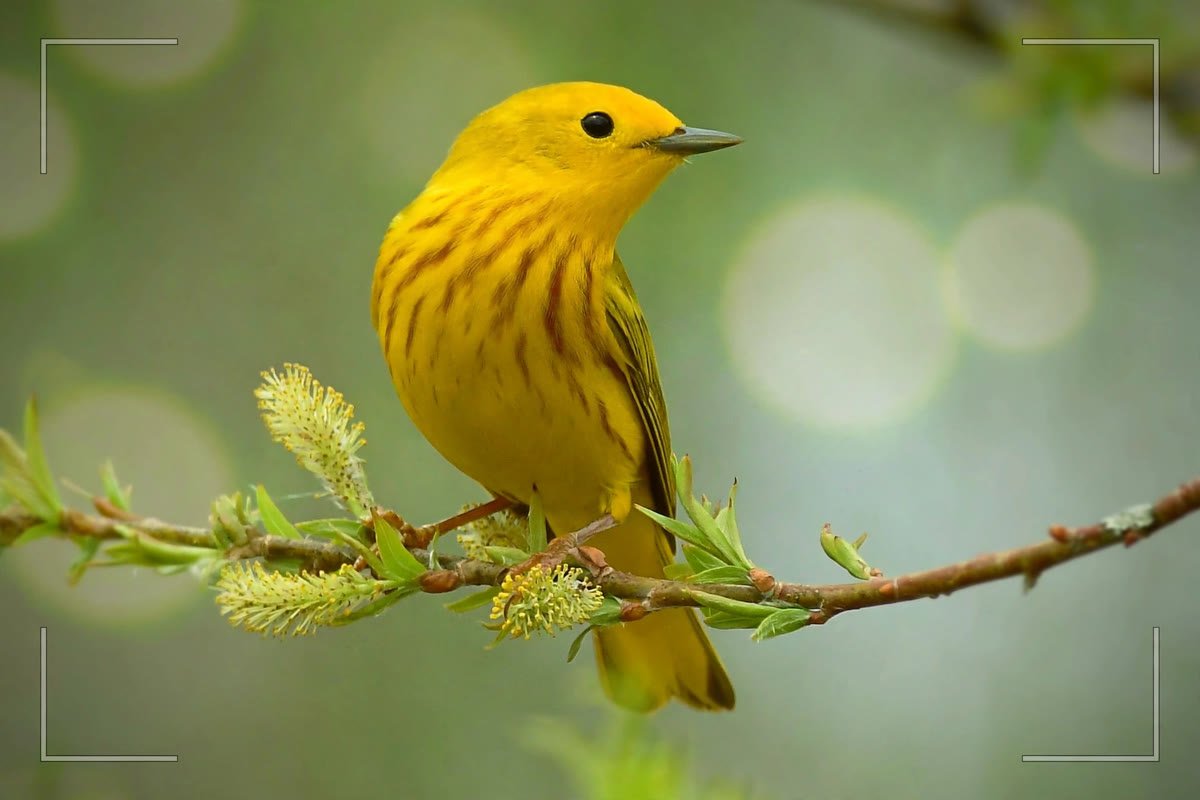
Photo ID answers the opposite question from Sound ID: you can see the bird, but you do not know its name. Snap a photo inside the app or upload one you already took, even a screenshot from your camera’s display, and Merlin analyzes it.
After you choose a photo, Merlin asks you to crop tightly around the bird. Take this step seriously. A tight crop removes confusing background and gives the model a clean look at the plumage, bill shape, and proportions it needs. Then tap to get your results, and Merlin returns a short ranked list of species with photos for comparison.
Photo quality matters more here than in any other Merlin feature. A sharp, well-lit photo of the whole bird gives excellent results, while a distant blurry blob may return nothing useful. When photographing birds for identification, fill the frame, focus on the bird’s head and body, and take several shots. If you are building a birding kit anyway, our guide to choosing binoculars pairs well with this feature: good glass gets you closer looks, and closer looks make better photos.
One honest limitation: Photo ID struggles most with the birds beginners find hardest, the small brown birds in your yard that all look alike. Sparrows, female finches, and juvenile birds can confuse the model, especially in poor light. When the top suggestions look equally plausible, treat the result as a starting point and check a field guide or the Explore Birds section before deciding.
How to Use Merlin Bird ID: Step by Step ID
Step by Step ID is Merlin’s original feature, and it is perfect for moments when you have no photo and the bird has gone quiet. It asks you five questions about the bird you saw, and each answer narrows the list.
- Where and when: Merlin uses your location and the date automatically. This is the most powerful filter, since it eliminates every species that should not be in your area right now.
- Size: Compare the bird to familiar reference birds, from sparrow-sized up to goose-sized. Do not overthink this. A rough category is enough.
- Main colors: Pick up to three colors that describe the bird’s overall impression. Focus on the largest areas of color rather than small markings.
- Behavior: Note what the bird was doing: eating at a feeder, hopping on the ground, soaring, swimming, or clinging to a trunk. Behavior is an underrated clue.
- Habitat context: Merlin factors in where you saw it, since some species rarely leave deep woods while others live on open lawns.
Answer all five, and Merlin presents a short illustrated list of likely birds. Tap any species to see photos, range maps, and sounds that help you confirm the match. This method also doubles as a learning tool: answering the questions trains you to notice the field marks that experienced birders use instinctively.
Explore Birds: Merlin as a Field Guide
Explore Birds is the feature most people overlook, and it may be the most useful one for learning. Instead of identifying a mystery bird, it shows you the birds you are likely to encounter, based on your location and the time of year.
Open Explore and you get a browsable list of expected species, each with photos, sounds, and ID tips drawn from the Cornell Lab’s Macaulay Library collection of more than 80,000 photos and recordings. Planning a trip? Change the location and Merlin generates a custom species list for your destination, which turns the app into a pocket field guide for anywhere you travel.
Use Explore before you go birding, not just after. Scrolling through the expected species for your area teaches you what to listen for. When a bird on that list starts singing outside your window, you will recognize it faster, and your Sound ID sessions will make more sense.
Getting Better Results From Merlin
Merlin is powerful out of the box, but a few habits separate casual users from people who get reliable identifications every time.
- Verify every surprising result: If Merlin suggests a rare or unexpected species, compare the recording or photo against the app’s reference material before believing it. Unusual claims need stronger evidence.
- Learn the common birds first: Once you know your local cardinals, robins, and chickadees by ear, you will recognize when Merlin suggests something genuinely new versus something you simply had not noticed.
- Record at the right time: Early morning brings the most singing and the cleanest recordings. Midday heat quiets most songbirds down.
- Keep the app and packs updated: Cornell improves the models and expands species coverage regularly. Updates are free and often noticeably better.
- Use playback responsibly: Avoid blasting recorded calls through a speaker to lure birds in. It stresses birds, and many parks and refuges restrict or prohibit it. Listen, do not provoke.
- Pair Merlin with your eyes: The app is a tool, not a replacement for observation. Note the bird’s behavior, habitat, and field marks alongside the app’s suggestion. Smart bird feeders with cameras are another way to get long, clear looks at backyard visitors for identification practice.
- Contribute your observations: Linking Merlin to eBird lets your identifications feed into real ornithology. Your backyard recordings become part of the dataset that makes the app smarter.

What Merlin Cannot Do: Honest Limits
Merlin is the best bird ID app available, and it is still wrong sometimes. Knowing where it struggles keeps you from recording false certainty into your life list or, worse, into eBird.
Similar species are the classic trap. Some birds sound nearly identical to each other, and some look alike enough to fool the model, especially in poor light or at a distance. Mimics like mockingbirds and starlings deliberately imitate other species, which can send Sound ID down the wrong path. Wind noise, overlapping songs, and distant calls all degrade accuracy.
Location data cuts both ways. Merlin leans heavily on which birds eBird says should be near you, which is usually correct but can suppress a genuinely unusual visitor. If the app suggests something far outside its expected range, treat that as a flag to investigate, not proof of a rarity.
The eBird review teams put it bluntly: “identified with Merlin” is not acceptable documentation for a sighting. Mention the app in your notes if you like, but back unusual records with a recording, a photo, or a written description of what you observed. Merlin’s suggestions are a starting point for your own identification, and the final call is always yours.
Storage is the practical limit. Bird packs are large, recordings accumulate, and older phones fill up. Review your saved recordings periodically, export the keepers, and delete the rest. Your phone will thank you.
Frequently Asked Questions
Is the Merlin Bird ID app really free?
Yes. Merlin is completely free with no subscription, no in-app purchases for its identification tools, and no ads. It is funded by the Cornell Lab of Ornithology and its supporters, not by your data plan or your wallet. Bird packs are also free.
Does Merlin Bird ID work without the internet?
Sound ID works fully offline once you have installed a bird pack for your region. Photo ID and Step by Step ID also function without a connection when the pack is downloaded. Download everything over Wi-Fi before heading somewhere remote, and the app keeps identifying birds with no cell signal.
How accurate is Merlin Sound ID?
Very good on common, clearly recorded species, and less reliable on distant, overlapping, or unusual sounds. Cornell’s own guidance says to treat every suggestion as a hypothesis and verify it against the app’s example recordings. Accuracy improves with closer recordings, less background noise, and correct location data.
Does Merlin work outside the United States?
Yes. Merlin covers more than 6,000 species across the Americas, Europe, Asia, and Australia, with coverage expanding over time. Install the bird pack for wherever you are traveling, and the app adapts its suggestions to that region’s birds.
Where do my Merlin recordings go?
Your recordings are saved automatically to a folder on your own device, not uploaded anywhere by default. You can listen to them again, delete them to free space, or export them. If you connect Merlin to eBird, you can choose to attach recordings to your checklists as documentation.
Can Merlin identify a bird from a bad photo?
Sometimes, but do not count on it. Photo ID performs best with sharp, well-lit images cropped tightly on the bird. Distant, blurry, or heavily backlit photos often return no confident match. When the photo is poor, Step by Step ID with your own observations of size, color, and behavior usually works better.
Is Merlin better than a field guide?
It is different, not better. Merlin is faster and friendlier for beginners, and Sound ID does something no book can do. A field guide still teaches you to observe systematically and works when your phone is dead. Most birders end up using both: Merlin for the quick answer, the guide for the deeper understanding.
Conclusion
Learning how to use Merlin Bird ID takes less time than identifying a single confusing sparrow the old way. Install a bird pack, let the app use your location, and start with Sound ID on your next morning walk. Record, review, and verify each suggestion against the reference audio, and you will be naming birds you never noticed before.
Remember what Merlin is: a brilliant assistant, not an infallible authority. Crop your photos tightly, answer the five questions carefully, and treat every surprising result as a lead worth checking. Used that way, the free app from the Cornell Lab turns every backyard, trail, and park bench into a classroom, and every unidentified song into a bird you now know by name.